
Elastic logo

Elastic

Elastic is a configurable enterprise search platform for teams building tailored retrieval, RAG, and AI-assisted experiences.

Editorial score

4.0 /5
How we scored it

Is Elastic worth it?

Nick Oscar
Editor, Reviews.vc · Updated November 7, 2026
Good For

Supports lexical, vector, semantic, and hybrid retrieval with relevance controls.

Caution

It requires technical teams to operate connectors, indices, identity integration, tuning, and analytics.

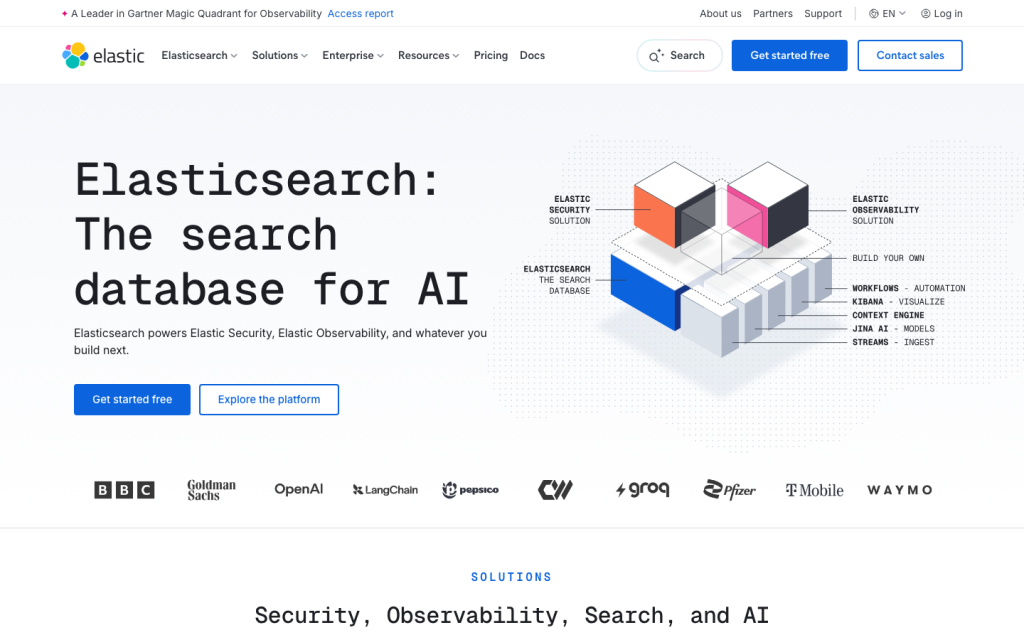
Elastic product image
elastic.co
On this page

Elastic is a configurable enterprise search and AI platform for organizations building tailored internal search, RAG, and agent experiences. It combines broad retrieval options, substantial connector coverage, access controls, and flexible deployment, but it is not a turnkey employee-search product: technical teams must validate individual connectors and own implementation choices.

What is Elastic?

Elastic is a configurable search and AI platform available as a cloud service or self-managed software. It supports custom internal search, retrieval, RAG, and agent applications across structured, unstructured, and vector data. It is a platform for teams building an experience rather than a fixed employee-search application.

Retrieval and answers

Elastic supports lexical, vector, semantic, and hybrid retrieval, along with filtering, aggregations, reranking, and query rules. Its RAG pattern retrieves content from customer indices and supplies that context to a language model. Query rules can pin or exclude results and work alongside reranking. Citation behavior requires deliberate implementation: source citations can be requested through an instruction, but automatic answer-level citations are not universal across custom implementations.

Connectors and content access

Elastic connects to enterprise sources through APIs, native and self-managed connectors, connector clients, and custom pipelines. The connector catalog includes Confluence, GitHub, Google Drive, Jira, OneDrive, Salesforce, ServiceNow, SharePoint, Slack, Teams, and more. Full syncs reconcile source removals, while incremental syncs fetch changes where supported. Support maturity and document-level security behavior differ by connector; Slack and Teams are in Preview, and SharePoint Server is in Beta.

Governance and measurement

Elastic provides role and space controls, role-based access, document-level and field-level security, and flexible deployment. Administrators can manage AI connectors, restrict alternatives, control AI feature visibility, and enable token usage tracking. Audit logging can cover authentication, authorization, data access, and configuration changes, subject to subscription and deployment requirements. Behavioral analytics can capture search, click, query, session, and result data.

Who should buy Elastic?

Elastic is best for enterprises that need to build bespoke private search, AI assistants, RAG, or agent experiences and can staff developer, platform, relevance, security, and data work. It suits organizations that need cloud, serverless, self-managed, private cloud, hybrid, or multicloud options. It is less suitable for teams looking for a low-administration employee search product with consistent connector behavior, automatic citation UX, and identical permission semantics across every source.

Buyer scenarios

Where the product fits — and where to be careful

Build a bespoke enterprise search or RAG experience

Need
A tailored private search, assistant, RAG, or agent experience with deployment and retrieval control.
Why it fits
Elastic offers configurable lexical, vector, semantic, and hybrid retrieval, relevance controls, and cloud or self-managed deployment choices.
Watch out
Teams must build and operate indices, connectors, identity integration, retrieval tuning, and analytics instrumentation.

Strong fit for technically capable enterprises.

Unify enterprise content behind custom search

Need
Ingest content from business systems while preserving appropriate access controls.
Why it fits
The connector inventory spans major collaboration, storage, CRM, ticketing, and database sources, with full and incremental synchronization where supported.
Watch out
Connector maturity, incremental-sync support, and document-level security vary; Slack and Teams are Preview.

Fit after connector-by-connector validation.

Pros & Cons

Pros

  • Supports lexical, vector, semantic, and hybrid retrieval with relevance controls.
  • Broad connector catalogue across workplace, storage, CRM, ticketing, and database sources.
  • Offers cloud, serverless, self-managed, private-cloud, hybrid, and multicloud deployment options.
  • Provides role, document, and field-level access controls plus search analytics capabilities.

Cons

  • It requires technical teams to operate connectors, indices, identity integration, tuning, and analytics.
  • Connector maturity, incremental synchronization, and document-level-security support vary by source.
  • Automatic answer-level citations are not universal across custom implementations.
Editorial score breakdown

Editorial scores

Editorial score
4.0
Administration and measurement
4.0

Elastic provides role and space controls, role-based, document-level and field-level access controls, AI connector administration, audit logging, token tracking, deployment flexibility, and behavioral analytics. Some controls require particular subscription levels, deployments, or explicit setup.

Search and answers
4.0

Elastic supports lexical, vector, semantic, and hybrid retrieval, filtering, aggregations, reranking, query rules, and RAG grounded in retrieved customer-index content. Automatic citation and answer-level traceability are not established across every custom implementation.

Usability, support & value Not scored

User-review evidence was insufficient to score usability, support, or value.

Content and permissions
4.0

Elastic offers broad content connector coverage and supports full plus connector-dependent incremental synchronization, with document-level security available for supported sources. Connector status and permissions behavior vary, including Preview and Beta connectors.

Pricing and contract model

Elastic offers free self-managed Basic, hosted subscription tiers with public reference prices, and usage-based Serverless pricing. Hosted figures are configuration-dependent.

PlanPriceIncludes
Standard
From $99
per month
Elastic Cloud Hosted Standard reference price.
Gold
From $114
per month
Elastic Cloud Hosted Gold reference price.
Platinum
From $131
per month
Elastic Cloud Hosted Platinum reference price.
Enterprise
From $184
per month
Elastic Cloud Hosted Enterprise reference price.

Public pricing example

Serverless search

$0.09
per VCU-hour

Serverless search usage charge.

  • Hosted reference prices use 120 GB of storage and two zones; actual instance pricing is usage-based.
  • Serverless also charges separately for ingest, machine learning, and storage.

Integrations

Documented connections and access methods for Elastic.

Messaging & collaboration

Slack Native
Microsoft Teams Native

Developer/API

Custom APIs Public API

Document storage

Enterprise content connectors Native
  • Connector status, incremental synchronization, and document-level-security support vary by source.

What's new

Recent product and company updates

  • 2026-09-16

    Cross-project search reaches general availability

    Cross-project search for Elastic Serverless reached general availability.

    Source

FAQ

What does Elastic cost?
Self-managed Basic is free and open. Elastic Cloud Hosted reference pricing starts at $99 per month for Standard, while Serverless pricing uses usage-based dimensions such as ingest, search, machine learning, and storage.
Which workplace content sources can Elastic connect to?
The content-connector reference includes sources such as Confluence, GitHub, Gmail, Google Drive, Jira, OneDrive, Salesforce, ServiceNow, SharePoint, Slack, Teams, and Zoom. Support status varies by connector.
How does Elastic handle permissions?
Elastic supports document-level security and Elasticsearch authorization controls including role-based, document-level, and field-level access. Connector-specific document-level-security support varies.
How fresh is connected content in Elastic?
Connectors can run full syncs and, where supported, incremental syncs. Full syncs reconcile removed source documents; incremental syncs fetch changes since the prior successful sync.
Review transparency Corrections policy
Change history
  1. 2026-11-07 Initial publication First published version of this review.
31 sources analyzed
  1. Elastic N.V. Annual Report 2026 s206.q4cdn.com
  2. Enterprise Search elastic.co
  3. Search connectors reference elastic.co
  4. Retrieval augmented generation elastic.co
  5. Searching with query rules elastic.co
  6. Manage spaces elastic.co
  7. Subscriptions elastic.co
  8. Elastic Cloud Hosted pricing elastic.co
  9. Serverless Search pricing elastic.co
  10. Cross-project search in Elastic Serverless is generally available elastic.co

Showing 10 of 31 sources · 21 additional sources analyzed

Feedback on this article

Was this review helpful?

Private editorial feedback. It does not change product ratings or rankings.

Rate Elastic

Rate your experience
  • Administration and measurement
  • Search and answers
  • Usability, support & value
  • Content and permissions