
Workday Adaptive Planning logo

Workday Adaptive Planning

Workday Adaptive Planning supports complex public-sector budgeting, forecasting, reporting, and enterprise data integration.

Editorial score

4.0 /5
How we scored it

Is Workday Adaptive Planning worth it?

Nick Oscar
Editor, Reviews.vc · Updated August 9, 2026
Good For

Supports program, fund, location, personnel, operating, and capital-budget planning.

Caution

Public evidence does not establish a complete statutory-publication, appropriations, encumbrance, amendment, or public-participation workflow.

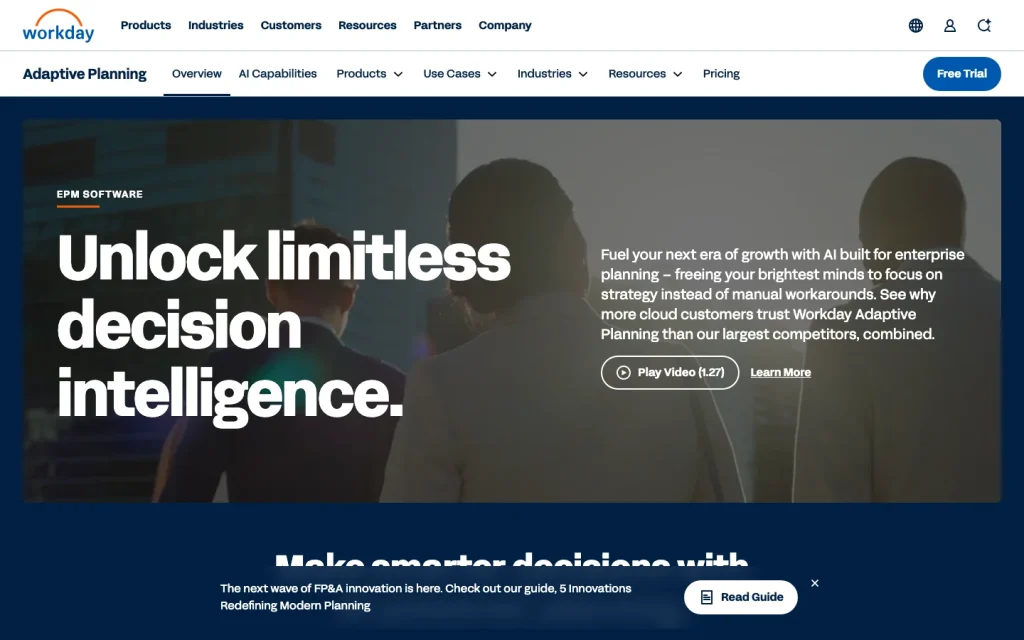
Workday Adaptive Planning product image
workday.com
On this page

Workday Adaptive Planning is a cloud-based planning product for connected financial, workforce, and operational planning. Its public-sector materials cover program, fund, personnel, revenue, operating, and capital budgeting, with scenario modeling, reporting, audit trails, and integrations for enterprise data flows. It is best suited to organizations ready to invest in model design, data governance, integrations, and ongoing administration.

What is Workday Adaptive Planning?

Workday Adaptive Planning is Workday’s cloud-based enterprise performance management and planning product. It connects financial, workforce, and operational plans for budgeting, forecasting, scenario planning, reporting, and analysis. For government organizations, its stated use cases include decision-package modeling, program-expense budgeting, personnel planning, revenue and funding modeling, and matching programs with funding.

Budget workflow

For public-sector budgeting, Workday Adaptive Planning supports what-if scenarios that select requested item combinations within defined funding levels. Teams can plan direct costs and allocate headcount and overhead across funds, programs, and locations, while budget owners can drill into the underlying details. Public-sector materials also cover budget books, salary and benefit projections, operating and capital budgets, personnel planning, process management, collaborative planning, and audit trails.

Buyers should validate requirements for statutory publication, appropriations, encumbrances, formal approval paths, amendments, and public participation, because those end-to-end workflows are not established in the available public materials.

Forecasting and reporting

The platform supports multidimensional, multi-scenario, and driver-based planning. Government-oriented examples include forecasting taxes, fees, port traffic, grants, service offerings, and other revenue-generating activities while modeling programs against available funding. Reporting capabilities include configurable dashboards, reports at different levels of detail, variance analysis, ad hoc analysis, transaction drill-down, comments, and audit trails.

OfficeConnect extends reporting into Excel, Word, and PowerPoint, including source data, formula details, and change history. Organizations needing ACFR production should note that ACFR extraction, formatting, version control, and GFOA-ready templates are provided by a Marketplace partner application.

Implementation and integrations

Adaptive Planning connects with ERP/GL, HR and payroll, CRM, HCM, cloud data warehouses, and other repositories. It includes SSO and supports REST APIs for metadata and data operations, along with XML-oriented API access. OfficeConnect supports refreshed reports and presentations in Microsoft Office.

Workday states an average deployment time of 4.5 months. Success Plans provide online resources, faster support response times, Community access, learning content, and higher-tier help with deployment, integration, analytics, reporting, and governance. A successful rollout still requires data selection and validation, testing, role-based training, and sustained administration of processes, integrations, data feeds, formulas, quality checks, and assumptions.

Who is it for?

Workday Adaptive Planning is a strong option for state and local public-sector finance and planning teams managing multi-fund, program, workforce, revenue, operating, and capital planning. Likely stakeholders include finance, budget, program, department, HR, and payroll teams that need collaborative input, drill-down capabilities, and workforce cost modeling.

It can also suit higher-education institutions and public entities with complex grant or workforce planning needs. The clearest fit is an organization with the capacity for model design, integrations, data governance, training, and ongoing planning administration. Federal buyers should treat availability as emerging: Workday announced FedRAMP Moderate authorization, with availability to Workday Government customers expected in early 2027.

Buyer scenarios

Where the product fits — and where to be careful

State or local government budget modernization

Need
Coordinate program, fund, personnel, revenue, operating, and capital planning across departments.
Why it fits
Supports decision packages, funding-constrained scenarios, allocations, budget-owner drill-down, workforce-cost modeling, dashboards, and audit trails.
Watch out
Validate statutory publication, appropriation, encumbrance, amendment, and formal approval requirements during evaluation.

Strong fit for prepared finance and budget organizations with complex planning needs.

Federal planning program

Need
Modernize workforce and budget planning in a federal environment.
Why it fits
FedRAMP Moderate authorization signals an emerging federal path.
Watch out
Availability to Workday Government customers was expected in early 2027, rather than established as current availability.

Evaluate as an emerging option, not as confirmed current federal-production availability.

Pros & Cons

Pros

  • Supports program, fund, location, personnel, operating, and capital-budget planning.
  • Offers driver-based models, rolling forecasts, what-if scenarios, dashboards, variance analysis, and drill-down.
  • Provides audit trails, process management, collaborative planning, and Office-based reporting through OfficeConnect.
  • Connects to ERP/GL and other enterprise data sources, with REST and XML-oriented API options.
  • Public-sector use cases include decision-package modeling and funding-constrained scenario selection.

Cons

  • Public evidence does not establish a complete statutory-publication, appropriations, encumbrance, amendment, or public-participation workflow.
  • Paid pricing, contract duration, and billing terms are not publicly disclosed.
  • Implementation can require staged data validation, testing, training, integration work, and ongoing administration.
  • Federal availability is emerging; broader availability to Workday Government customers was expected in early 2027.
Editorial score breakdown

Editorial scores

Editorial score
4.0
Budget workflow
4.0

Strong support is shown for program and fund planning, decision packages, funding-constrained scenarios, budget-owner drill-down, process management, audit trails, and operating, capital, and personnel budgets. Public materials do not establish every formal government budget-control or publication workflow.

Forecasting & reporting
4.0

The product supports multi-scenario and driver-based planning, revenue and funding forecasts, dashboards, variance analysis, transaction drill-down, comments, audit trails, and Office-based reporting. ACFR automation is available through a Marketplace partner application rather than established as native functionality.

Integrations
4.0

Workday supports ERP/GL and other enterprise data connections, SSO, Office reporting workflows, and REST and XML-oriented APIs. Public materials do not enumerate specific government-ERP connectors.

Implementation & support Not scored

User-review evidence was insufficient for implementation, support, or value-for-money themes.

Customer sentiment

Workday Adaptive Planning customer reviews and sentiment

Based on 55 public customer reviews. Source mix: 38 from barc.com, 14 from softwareadvice.com, 2 from getapp.com, and 1 from gartner.com.

Customer sentiment is analyzed separately and does not determine the Reviews.vc editorial score.

55 public reviews analyzed
Positive
31%17 reviews
Mixed
64%35 reviews
Negative
5%3 reviews
Theme and findingMentionsPositiveNegative
Ease of use
Users generally find the platform approachable and flexible for end users and administrators, though advanced setup, formulas, and some controls require time to learn.
332412
Reporting and transparency
Reporting can speed consolidation and financial-result turnaround, but users cite rigid or visually limited reports, Office Connect formatting/version issues, and incomplete audit or drill-down capabilities.
231216
Forecasting and scenarios
The platform supports granular models, rolling forecasts, and scenario planning, but what-if analysis and scenario functionality can be constrained by the implementation or model design.
17125
Integrations
Integration with Workday, Excel, ERP, and CRM systems is a key strength, although some buyers find Workday alignment less seamless than expected and integrations difficult for nontechnical users to maintain.
17154
Budget workflow
Buyers report quicker, more collaborative budgeting with departmental ownership and access controls, while noting gaps in approval workflows, input validation, and autosave.
13123

Mentions count unique reviews. One review can count as both positive and negative for the same theme when it describes a mixed experience.

This analysis reflects public customer reviews we could identify and access at the time of collection; the displayed source mix may influence the patterns shown.

Pricing and contract model

Paid Adaptive Planning pricing is quote-based and varies by configuration. Workday does not publish paid tiers, an entry price, billing period, minimum contract duration, renewal terms, or current contract terms.

Public pricing example

30-day free trial

Free
30 days

No-obligation trial with a guided walkthrough of planning, reporting, and dashboards.

  • Paid pricing requires a quote.
  • Public paid tier names and paid entry pricing are not disclosed.

Integrations

Documented connections and access methods for Workday Adaptive Planning.

Developer/API

REST and XML-oriented APIs Public API

Productivity suite

Microsoft Office via OfficeConnect Native

Procurement/ERP

ERP/GL and enterprise systems Native

Identity/SSO

Single sign-on Native
  • Specific government-ERP connector coverage is not publicly enumerated.

What's new

Recent product and company updates

  • 2026-05-27

    Workday introduces Adaptive Decision Intelligence

    Workday introduced Adaptive Decision Intelligence for Adaptive Planning, enabling natural-language questions, scenario modeling, and committing approved decisions into the governed plan. It was available to early-adopter customers, with broader availability expected later in 2026.

    Source
  • 2026-07-23

    Adaptive Planning achieves FedRAMP Moderate authorization

    Workday announced FedRAMP Moderate authorization to support federal workforce and budget planning, with availability to Workday Government customers expected in early 2027.

    Source

FAQ

Is Workday Adaptive Planning pricing public?
Workday lists paid pricing as varying and requires a quote. It offers a 30-day no-obligation free trial, but does not publish paid tiers, an entry price, billing period, or current contract terms.
What public-sector budgeting work does Workday Adaptive Planning support?
Its government materials cover decision-package modeling, program-expense budgeting, personnel planning, revenue and funding modeling, operating and capital budgets, budget books, allocations, and funding-constrained what-if scenarios.
What integrations does Workday Adaptive Planning support?
Workday describes connections to ERP/GL, HR and payroll, CRM, HCM, cloud data warehouses, Microsoft Office, and other sources, plus SSO and REST and XML-oriented APIs. Specific government-ERP connector coverage is not publicly enumerated.
Who is Workday Adaptive Planning best for?
It is best supported for state and local public-sector finance and planning organizations with multi-fund, program, personnel, revenue, operating, or capital planning needs and capacity for data governance, integrations, training, and ongoing administration.
Review transparency Corrections policy
Change history
  1. 2026-08-09 Initial publication First published version of this review.
23 sources analyzed
  1. Workday Adaptive Planning workday.com
  2. Government Use Case workday.com
  3. Workday Adaptive Planning for Public Sector workday.com
  4. Analytics and Reporting workday.com
  5. OfficeConnect workday.com
  6. Workday Adaptive Planning Pricing workday.com
  7. Understanding the Adaptive Planning REST API doc.workday.com
  8. Workday Success Plans workday.com
  9. Workday Introduces Adaptive Decision Intelligence newsroom.workday.com
  10. Workday Adaptive Planning Achieves FedRAMP Moderate Authorization to Support Federal Workforce and Budget Planning newsroom.workday.com

Showing 10 of 23 sources · 13 additional sources analyzed

Feedback on this article

Was this review helpful?

Private editorial feedback. It does not change product ratings or rankings.

Rate Workday Adaptive Planning

Rate your experience
  • Budget workflow
  • Forecasting & reporting
  • Integrations
  • Implementation & support