
Gemini Code Assist logo

Gemini Code Assist

Gemini Code Assist is a business-focused AI coding assistant with agent controls, private-code retrieval in Enterprise, and broad Google Cloud workflow support.

Editorial score

4.0 /5
How we scored it

Is Gemini Code Assist worth it?

Nick Oscar
Editor, Reviews.vc · Updated September 18, 2026
Good For

Strong in-editor assistance spanning completion, chat, tests, debugging, documentation, and multi-file proposals.

Caution

Individual-tier IDE extension and CLI access stopped serving requests in June 2026.

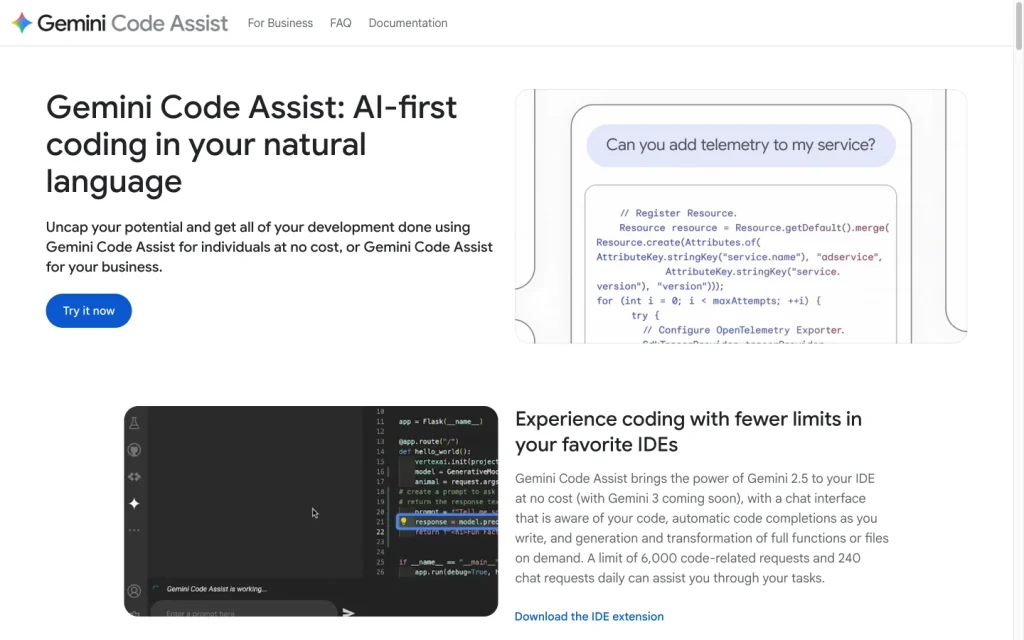
Gemini Code Assist product image
codeassist.google
On this page

Gemini Code Assist is Google’s business-focused AI coding assistant for teams working in supported IDEs and Google Cloud. It covers everyday completion and chat alongside multi-file agent work, private-code retrieval in Enterprise, GitHub pull-request review, and configurable execution controls. Its clearest fit is a Google Cloud organization that can use Standard or Enterprise; individual-tier IDE extension and CLI access ended in June 2026.

What is Gemini Code Assist?

Gemini Code Assist is an AI-powered development assistant for building, deploying, and operating applications. Its business editions are Standard and Enterprise: Standard focuses on IDE coding assistance, while Enterprise adds private repository customization and broader Google Cloud support. The product goes beyond editor completion into Cloud Shell, Cloud Workstations, Android Studio, Firebase, BigQuery, databases, Cloud Run, Apigee, and Application Integration.

Generated output can be plausible but factually incorrect, so teams should validate it before use.

Coding capabilities

Gemini Code Assist supports completion, generation, transformations, explanations, debugging help, unit test generation, documentation help, and chat. Chat can use selected snippets, terminal output, named files and folders, and local workspace context. It can propose multi-file changes for developers to preview and accept or reject.

Agent mode targets multi-step tasks such as feature development, refactoring, migrations, performance optimization, and issue resolution. Enterprise can retrieve relevant material from indexed private repositories on GitHub, GitLab, or Bitbucket. Google verifies support across languages including Python, Java, JavaScript, TypeScript, Go, C++, C#, Rust, Kotlin, SQL, and YAML.

Execution and review control

Agent mode can present a plan before work starts and, by default, request permission for filesystem-changing and other mutating operations. Developers can inspect diffs, accept or reject individual changes, complete files, or multi-file suggestions, and revert eligible chat-generated changes to a checkpoint.

In VS Code, core-tool allowlists and denylists can restrict tools and specific commands. Auto-approval and yolo mode reduce confirmations, but external-resource changes cannot be undone through agent mode. GitHub review settings can also control review timing, severity, comment limits, excluded paths, and style guidance.

Developer workflow

Supported interfaces include VS Code, JetBrains IDEs, Cloud Shell Editor, Cloud Workstations, Android Studio, Gemini CLI, Google Cloud CLI, Kubernetes Resource Model interfaces, and GitHub. Teams can add project instructions through GEMINI.md files; IntelliJ also supports AGENT.md. MCP servers can extend agent-mode tools.

You can exclude files from local context with .aiexclude or .gitignore. Standard and Enterprise treat prompts, responses, relevant file snippets, conversation history, and cursor location as Customer Data; the services are stateless and do not use customer data to train models without permission. Agent mode is available in both VS Code and IntelliJ, but granular built-in tool configuration is currently limited to VS Code.

Who should buy Gemini Code Assist?

Gemini Code Assist is best suited to teams already working in Google Cloud or in supported VS Code and JetBrains environments. Standard fits organizations with basic coding needs and strict data-security or compliance requirements. Enterprise fits larger organizations that need private-source-repository customization, complex development workflows, and broader Google Cloud assistance.

Buyers should plan for edition and surface differences, validate generated output, and retain review gates for agent actions. It is not currently available as an individual-tier IDE extension or for CLI access, which stopped serving requests on June 18, 2026.

Buyer scenarios

Where the product fits — and where to be careful

Google Cloud development teams

Need
AI coding help integrated with Google Cloud workflows, IAM-managed access, and supported IDEs.
Why it fits
Standard and Enterprise cover supported IDEs and Google Cloud surfaces, while Enterprise adds private-repository customization and broader Cloud assistance.
Watch out
Agent-mode controls differ by IDE, and individual-tier IDE extension and CLI service is no longer available.

Strong fit

Large teams with private codebases

Need
Repository-aware assistance for complex development processes and code review.
Why it fits
Enterprise can retrieve relevant material from indexed private GitHub, GitLab, or Bitbucket repositories and supports configurable GitHub pull-request review.
Watch out
Private-code retrieval is subject to repository, language, and content limits; generated output still needs validation.

Strong fit for Enterprise

Pros & Cons

Pros

  • Strong in-editor assistance spanning completion, chat, tests, debugging, documentation, and multi-file proposals.
  • Agent mode offers plans, permissions, diff review, and configurable VS Code tool restrictions.
  • Enterprise adds retrieval from indexed private repositories across GitHub, GitLab, and Bitbucket.
  • Works across major IDE, terminal, GitHub, and Google Cloud development surfaces.

Cons

  • Individual-tier IDE extension and CLI access stopped serving requests in June 2026.
  • Agent controls are not uniform across IDEs; granular built-in-tool configuration is limited to VS Code.
  • Auto-approval and yolo mode can suppress safeguards, while external changes cannot be undone through agent mode.
  • New subscriptions for some billing accounts require contacting Google Cloud sales.
Editorial score breakdown

Editorial scores

Editorial score
4.0
Developer workflow
4.0

Gemini Code Assist spans IDEs, terminal workflows, GitHub, and Google Cloud surfaces, with project-context files, context exclusions, MCP support, and private-code customization. Agent mode and granular controls vary by IDE.

Coding capabilities
4.0

The product combines completion, generation, chat, transformations, multi-file proposals, and agentic tasks. Enterprise adds indexed private-repository retrieval for repository-aware assistance.

Execution and review control
4.0

Developers can approve plans and mutating operations, inspect and accept or reject diffs, use checkpoints for eligible chat changes, and configure VS Code tool allowlists and denylists.

Usability, support & value Not scored

User-review evidence was insufficient because the available aggregate is not publishable.

Pricing and contract model

Gemini Code Assist uses per-user subscriptions with monthly billing and monthly or 12-month commitment terms. New subscriptions for billing accounts without an active subscription require contacting Google Cloud sales.

PlanPriceIncludes
Standard
$22.80 per user per month, or $19 per user per month with a 12-month commitment
monthly
IDE-focused business coding assistance.
Enterprise
$54 per user per month, or $45 per user per month with a 12-month commitment
monthly
Business edition with private-repository customization and broader Google Cloud support.
  • Google also lists hourly rates for the monthly and 12-month commitment options.
  • A 30-day trial for up to 50 users is listed.

Integrations

Documented connections and access methods for Gemini Code Assist.

Developer/API

Gemini CLI and Google Cloud CLI Native

AI protocol

Model Context Protocol servers Protocol

Other

Development environments Native
GitHub, GitLab, and Bitbucket Native
GitHub pull-request review Native
Google Cloud services Native
  • Feature availability varies by edition, surface, and IDE.

What's new

Recent product and company updates

  • 2026-09-04

    Sales-assisted purchasing change for new subscriptions

    New subscriptions for billing accounts without an active Gemini Code Assist subscription can no longer be purchased through the Google Cloud console; those customers must contact Google Cloud sales.

    Source

FAQ

What does Gemini Code Assist cost?
Standard is listed at $22.80 per user per month without an annual commitment or $19 per user per month with a 12-month commitment. Enterprise is listed at $54 or $45 per user per month under those respective terms.
What coding tasks can Gemini Code Assist handle?
It supports completion, generation, transformation, explanations, debugging help, unit-test generation, documentation help, chat, and agentic multi-step tasks. Agent mode can propose multi-file changes.
Which development environments does Gemini Code Assist support?
Supported environments include VS Code, JetBrains IDEs, Cloud Shell Editor, Cloud Workstations, Android Studio, Gemini CLI, Google Cloud CLI, and Kubernetes Resource Model interfaces.
Can developers control agent edits and commands?
Yes. Agent mode can request approval for mutating operations, show plans, and let developers review and accept or reject proposed diffs. VS Code also supports tool allowlists and denylists.
Review transparency Corrections policy
Change history
  1. 2026-09-18 Initial publication First published version of this review.
21 sources analyzed
  1. Gemini Code Assist overview docs.cloud.google.com
  2. Use Gemini Code Assist agent mode docs.cloud.google.com
  3. Use agentic chat docs.cloud.google.com
  4. Code customization overview docs.cloud.google.com
  5. Supported languages and IDEs docs.cloud.google.com
  6. Gemini Code Assist for business codeassist.google
  7. Gemini pricing cloud.google.com
  8. Gemini release notes docs.cloud.google.com
  9. Deprecation of Gemini Code Assist for individuals developers.google.com

Showing 9 of 21 sources · 12 additional sources analyzed

Feedback on this article

Was this review helpful?

Private editorial feedback. It does not change product ratings or rankings.

Rate Gemini Code Assist

Rate your experience
  • Developer workflow
  • Coding capabilities
  • Execution and review control
  • Usability, support & value