
AI Video Editors Reviews

Compare AI Video Editors products by editorial score, reader feedback, strengths, cautions, and brand facts.

Matching reviews
5
Latest review update
Sep 25, 2026
Reset

Published reviews

Editorial score
4.0

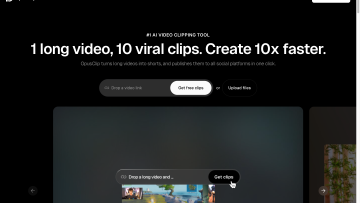
OpusClip is a strong long-form-to-short-form video repurposing tool with capable editing, captions and plan-dependent workflow limits.

Good For

Strong AI-assisted long-form-to-short-form clipping workflow.

Caution

Project retention is brief on Trial, Free and Starter plans.
Editorial score
3.8

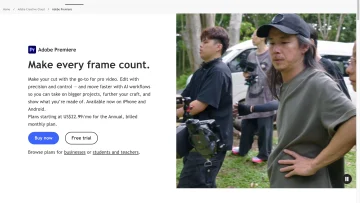
Adobe Premiere is a professional editor with deep timeline, caption, reframing, export, and collaboration workflows.

Good For

Deep timeline, audio, color, masking, effects, and title controls for professional editing.

Caution

The breadth of tools and crowded interface can create a meaningful learning curve for new or occasional editors.

Editorial score
3.5

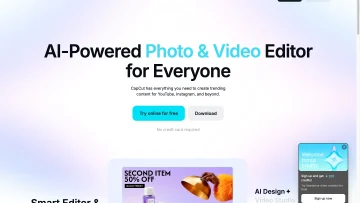
CapCut combines creator-focused timeline editing, captions, short-form repurposing, cloud collaboration, and social sharing, with project portability limits.

Good For

Deep creator-focused editing tools, including multi-track timelines, keyframes, cleanup, compositing, and transcript editing.

Caution

Premium assets and settings can restrict exports, including some no-watermark and high-resolution options.

Editorial score
3.8

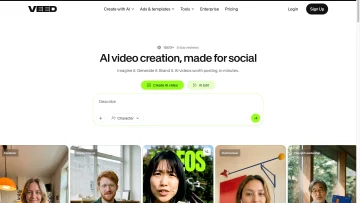
VEED is a browser-based video editor with transcript editing, captions, AI clips, collaboration, and social export tools.

Good For

Timeline and transcript-based editing combine conventional cuts with speech-led cleanup.

Caution

Free exports are capped at 720p and include a VEED watermark.

Editorial score
3.8

Descript is a transcript-based video and audio editor for editing, captioning, sharing, and repurposing spoken-content media.

Good For

Edit linked video and audio by changing transcript text.

Caution

Local MP4 exports use broad quality presets rather than detailed codec, bitrate, and resolution controls.