
AI Meeting Assistants Reviews

Compare AI Meeting Assistants products by editorial score, reader feedback, strengths, cautions, and brand facts.

Matching reviews
7
Latest review update
Sep 25, 2026
Reset

Published reviews

Editorial score
4.0

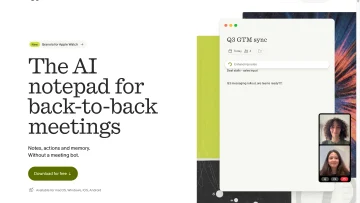
Granola is a bot-free AI meeting-notes app with live transcription, editable notes, action items, and connected workflows.

Good For

Bot-free desktop capture works across major meeting platforms.

Caution

The web interface cannot capture or transcribe meetings.
Editorial score
3.5

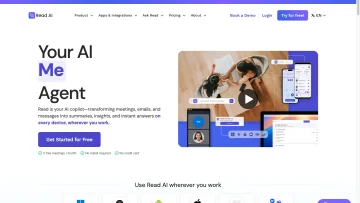
Read AI combines meeting capture, structured notes, workplace search, and broad workflow integrations, with important platform and plan limits.

Good For

Automatic capture for Zoom, Microsoft Teams, and Google Meet, plus desktop-audio and file-upload alternatives.

Caution

Native automatic capture is limited to Zoom, Microsoft Teams, and Google Meet.

Editorial score
4.0

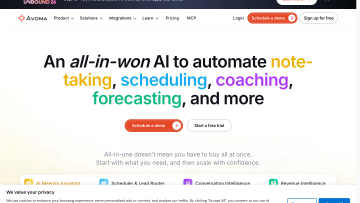
Avoma is an AI meeting-notes platform with flexible recording, CRM handoffs, exports, and sales-focused workflow add-ons.

Good For

Multiple capture routes: bot, bot-free/native, cloud recordings, desktop, mobile, and uploads.

Caution

In-person single-channel capture can reduce speaker identification, transcription, and note quality.

Editorial score
3.8

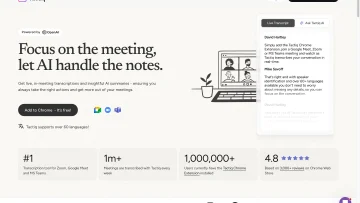
Tactiq is a bot-free meeting transcription and AI notes tool for Google Meet, Zoom, and Microsoft Teams.

Good For

Bot-free live transcription for Google Meet, Zoom, and Microsoft Teams.

Caution

Browser capture relies on active meeting captions and Chrome or Edge.

Editorial score
4.0

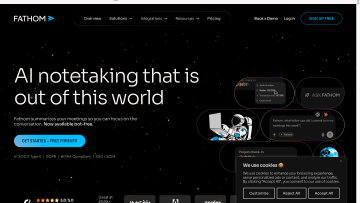
Fathom captures supported live meetings and turns them into searchable transcripts, summaries, action items, and connected workflow outputs.

Good For

Supports live Zoom, Google Meet, and Microsoft Teams meetings.

Caution

Bot-free capture is phased and has platform, operating-system, and language limitations.

Editorial score
4.0

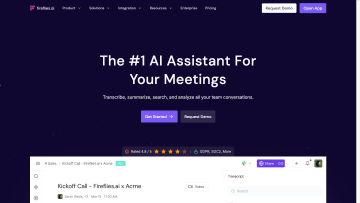
Fireflies.ai captures meetings through several channels and turns them into searchable transcripts, summaries, action items, and connected workflows.

Good For

Multiple capture options: visible bot, Google Meet browser capture, desktop system audio, mobile recording, and uploads.

Caution

Bot-free capture is not available on every meeting platform.

Editorial score
3.8

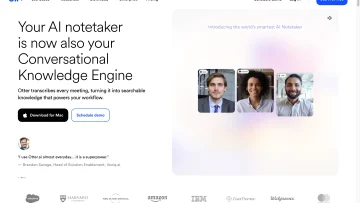
Otter.ai captures meetings and files into searchable transcripts, AI-generated notes, action items, and connected workflows.

Good For

Multiple capture paths: meeting bot, botless desktop recording, local recording, and file import.

Caution

Notetaker's documented bot capture is limited to Zoom, Google Meet, and Microsoft Teams.